Why use Vim?
Vim is a free and open source text editor released by Bram Moolenaar in 1991. It was derived from Bill Joy's Vi written in 1976. So, what reason is there to use these arcane pieces of terminal-based software in the modern era. Surely, this many years after the initial release of Vim, we have better tools? Well, even today Vim (and its forks) still have some unique advantages that can make software engineering more efficient, ergonomic, and enjoyable
1. Vim Motions
Perhaps the single most compelling reason to use Vim is Vim motions. Vim motions are an unconventional yet powerful set of commands that offer a faster and more ergonomic way to edit text. As opposed to regular shortcuts that involve hitting long sequences of modifier keys such as "Control" and "Shift", Vim motions use short sequences of letters.
For example: copying a word in Vim requires two easy keystrokes "yw". Compare that to a conventional text editor, which would require the key combination "Control + Shift + Right Arrow" to select the word, then "Control + C" to actually copy it.
As illustrated here, the efficiency and ergonomic gains afforded by Vim motions are quite significant, making text editing more enjoyable and quick. However, the best part is that you don't even need to use Vim to take advantage of Vim Motions. Even if you have no intention of using Vim itself, there are plugins available to emulate Vim Motions in virtually all popular text editors / IDEs. If you choose this route, however, please keep in mind that these emulations may be less responsive or complete.
2. Lightweight
An incredible advantage of Vim itself is that it is an extremely lightweight program. Vim's forks retain this property, with Neovim being the fork of Vim that I personally use. Vim's performance can be demonstrated by comparing Vim with one of its main competitors, VS Code.
Before each test run, the OS and application caches were cleared.
Neovim's startup time can be internally profiled by running this command:
$ nvim --clean --startuptime clean.log +q
Then checking the contents of the file clean.log.
VS Code's startup time can be internally profiled by running this command:
$ code --disable-extensions
Then opening VS Code, opening the Command Palette, searching for “Developer: Startup Performance”, and checking it.
Through this experimentation, the start time of Neovim with no configuration is ~12 milliseconds and the start time of VS Code was ~1409 milliseconds. The cause of this startup is a fundamental difference between the two programs. Vi (Vim's predecessor) was engineered to run on the computer systems of the 1970s. It then follows that Vim is minimalist, being written in C and configured via Vimscript (or Lua in the case of Neovim). VS Code is heavier in comparison, being a more recent piece of software built with web technologies such as Typescript and Electron and using JSON for configuration.
The bottom line is that Vim is orders of magnitude more lightweight than its competitors due to its design. And this delta will only grow as Neovim is configured due to its use of Lua. This performance means Neovim works in more resource-constrained environments, and is more responsive than its competitors.
3. Customizability
Out-of-the-box, most modern text editors / IDEs come configured with a user-friendly UI, theming, and tools to run and debug code. Vim however, presents you with an intimidating blank screen, and no obvious way to exit! Initially, this seems like a downside, and it is indeed a significant one that discourages many from trying Vim.
However, this is just Vim's philosophy. Vim aims to provide the user with the bare minimum, and leaves the user to program the editor's functionality to meet their exact needs. This philosophy allows for an incredible degree of customizability unparalleled by other editors. Once over the Vimscript/Lua learning curve, adding new key combinations, running scripts, creating macros, and changing almost every other behavior of Vim becomes trivially easy. Even for those not interested in making a Vim configuration from scratch, modern Vim distributions such as NVChad and LazyVim make getting started with a fully-fledged and fast IDE easier than ever before.
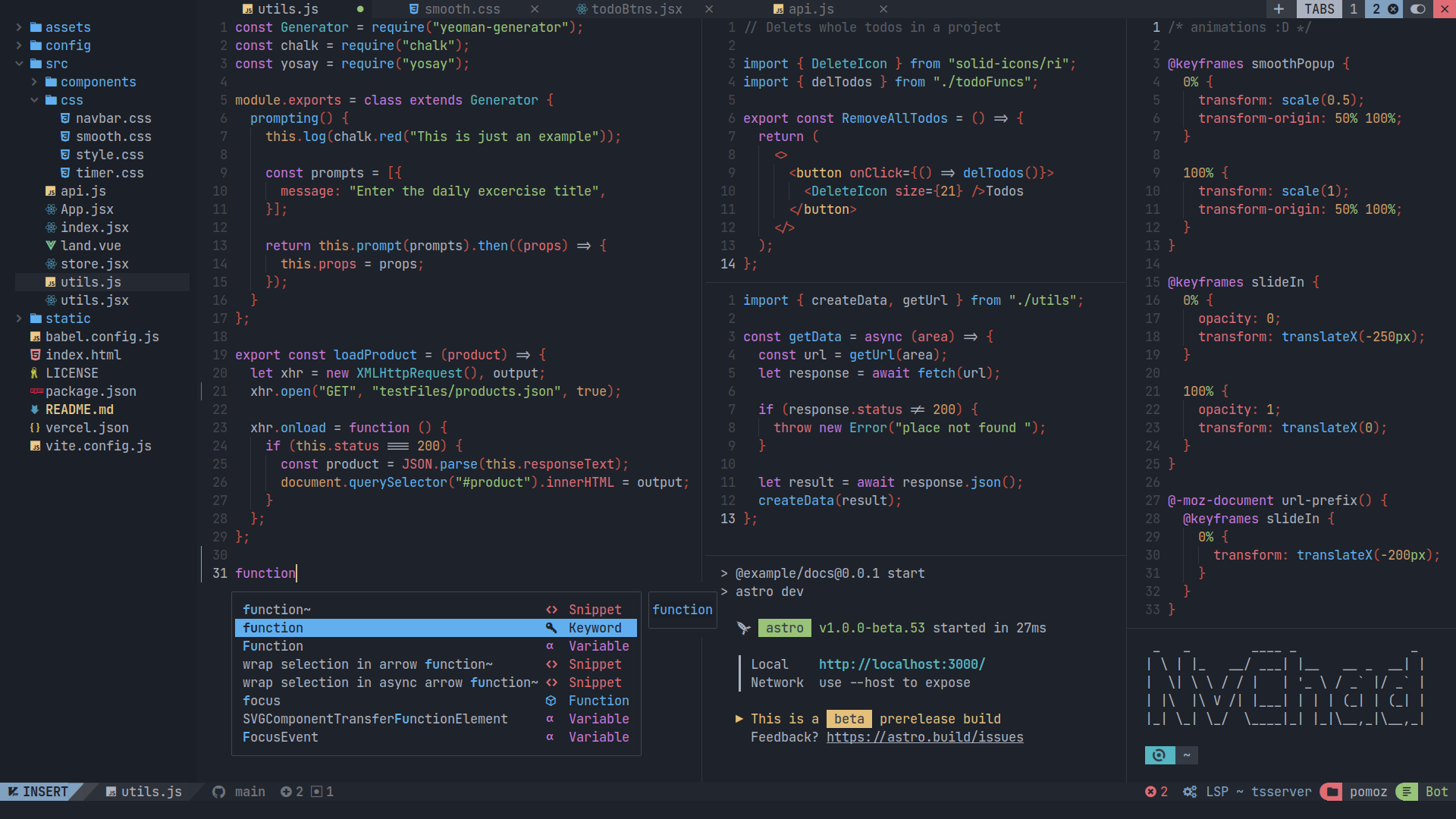
Vim's customizability is one of its greatest strengths that allows users to really understand the intricacies of their editor and encourages them to tailor it to their specific habits and opinions. While Vim's barebones out-of-the-box experience might be intimidating, it's worth sticking with it. A well customized Vim install is effortless, quick, and enjoyable to use.
Getting Started
If you're ready to give Vim a shot, there are a couple of key decisions to make. First is understanding the choice between Vim and Neovim. Vim is the original editor and uses Vimscript for configuration. Neovim is a modern fork of Vim that supports Lua-based configuration and adds robust asynchronous capabilities alongside modern plugin support. Many see Neovim as the logical next step from Vim and an expansive plugin ecosystem has developed around it. If you know what you want from your editor and are looking to create your configuration from scratch, installing Neovim and configuring it yourself is a good option. If you'd rather start with a fully configured IDE and learn that way, the Neovim distribution NVChad is a great place to start.